Main Menu and Toolbar
The main menu contains access to most application functionality. Some additional operations may be available in the primary and secondary pop-up menus.
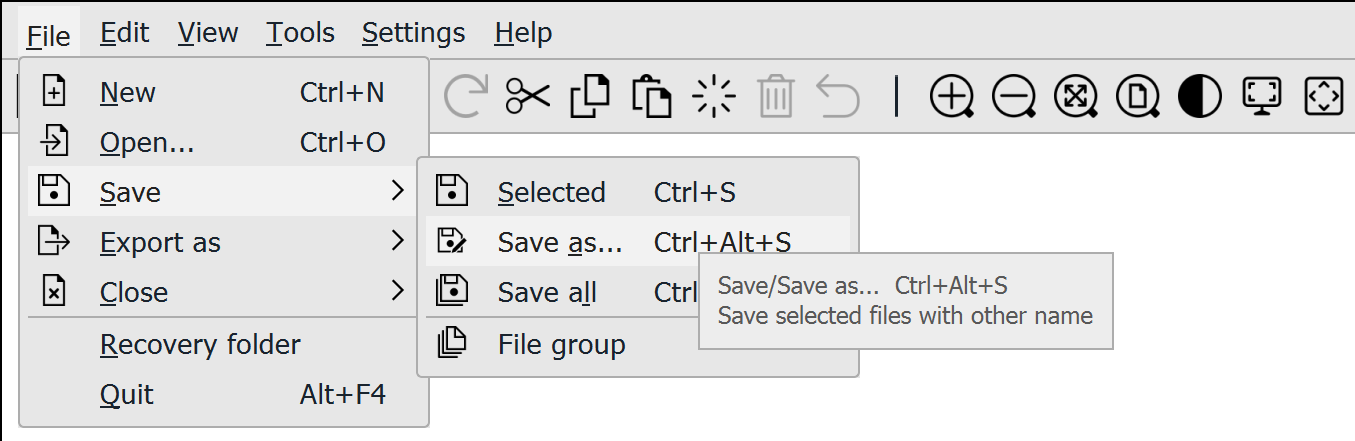
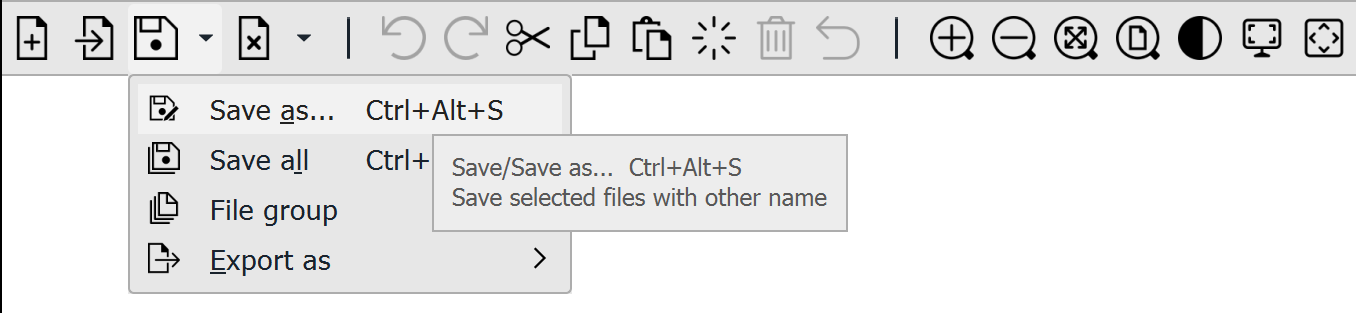
The toolbar below the main menu offers quick access to some of the operations. Some buttons have drop-down menu for additional functionality.
File
- New
- Open
- Save:
- Export as
- Export to Project
- Export view
- Close:
- Selected
- Close all
- Elements:
- Project
- Xsite Manage
- Recovery folder
- Quit
- Recently used files
Edit
View
Tools
- Edit:
- Copy line
- Edit surface
- Surface settings
- Volumes
- Helmert
- Differences
- Cross section
- Properties
- Find
- Add:
- Triangle: