Sidebar Tools
The right edge sidebar offers access to editing tools.
File
Tools for handling files.
- Elements Open the element list.
- Project Open the project window.
- Export view Export view to a file.
Add
Tools for adding new objects.
- Lines Create new lines or extend the existing active line.
- Points Create new single points.
- Circles Create new circles.
- Texts Create new texts.
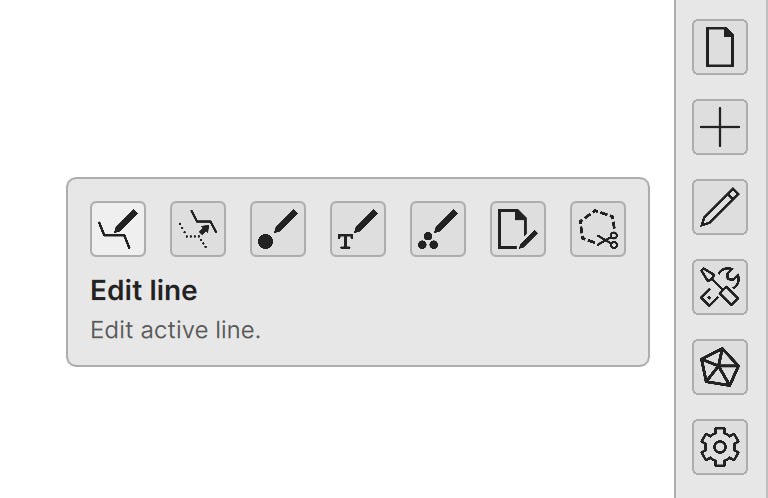
Edit
Tools for editing existing objects.
- Line Edit currently active line.
- Line copy Copy the active line with offset.
- Point Edit currently active point.
- Text Edit currently active text.
- Selected Edit selected objects.
- File Edit active file element.
- Clip area Area clipping with border line.
Tools
Miscellaneous tools.
- Helmert Calculate and execute Helmert transformation for the active element.
- Differences Calculate differences between two points.
- Cross section Open the cross section window.
- Find Open the data find tool.
Surface
Triangle surface creation and editing tools.
- Edit surface Create a new surface or edit the existing one.
- Surface settings Surface visualization settings.
- Volumes Calculates volumes between surfaces.
- Hide triangles Hide triangles from the active surface.
- Flip triangles Flip adjacent triangles.
Settings
Setting dialogs.
- Object info Object information settings.
- Codes Code list settings.
- Properties Active object properties.